

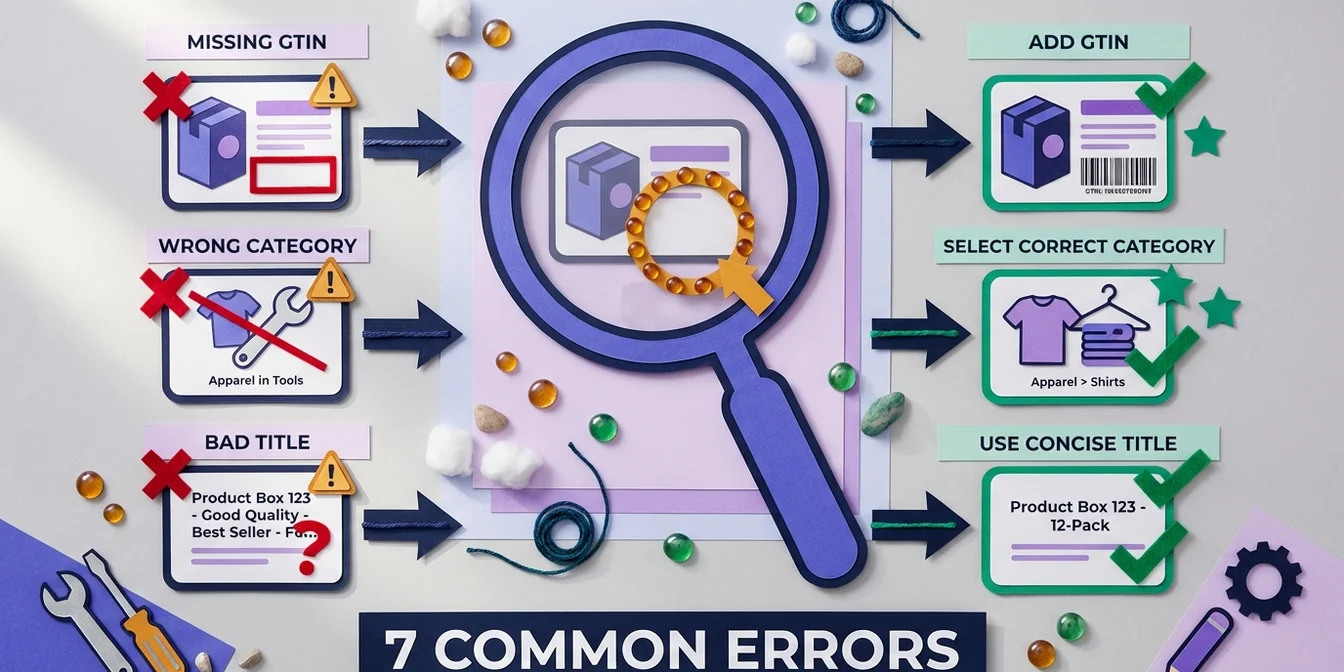
Why Feed Errors Are So Costly
Every error in your Google Shopping feed can cause products to be disapproved, limited, or simply not shown. In the worst case, your entire account gets suspended.
According to Google, over 60% of all Merchant Center accounts have at least one feed error that impacts performance.
Error 1: Missing or Inaccurate Product Categories
Google uses the product category (google_product_category) to match your product to the right search query. Missing or overly generic categories lead to fewer impressions.
Bad: Apparel
Better: Apparel & Accessories > Clothing > Tops > T-Shirts
Solution
Use the Google Product Taxonomy and select the most specific category available.
Error 2: Product Titles Without Search Intent
A title like "Item 12345 Blue" helps neither Google nor the customer. The title is the most important attribute for Google Shopping ranking.
Bad: Item 4711 BL-M
Better: Tommy Hilfiger Men's Polo Shirt Regular Fit Blue Size M
Solution
Use the structure: Brand + Product Type + Attributes. Or let FeedOptimizer.AI optimize your titles automatically with AI.
Error 3: Missing GTIN/UPC
The Global Trade Item Number (GTIN) is mandatory for most products. Without a GTIN, your products are often limited or not shown at all.
Solution
- Request the GTIN from the manufacturer or wholesaler
- For self-made products: set
identifier_exists = false - Never invent GTINs — this leads to account suspension
Error 4: Image Quality Below Minimum Requirements
Google has strict requirements for product images:
- Minimum 100x100 pixels (250x250 for apparel)
- White background preferred
- No watermarks, logos, or promotional text on the image
- No placeholder or generic images
Solution
Invest in professional product photography. The ROI is significant — good images can increase CTR by up to 30%.
Error 5: Outdated Prices and Availability
If the price in your feed doesn't match the price on your website, products are immediately disapproved. The same applies to availability.
Solution
- Feed updates at least every 24 hours
- For frequent price changes: set up Content API or automatic feed updates
- Add structured data on landing pages so Google can verify prices
Error 6: Missing Shipping Configuration
Google requires transparent shipping costs. Missing or incorrect information can cause your entire feed to be disapproved.
Solution
Configure shipping costs directly in Merchant Center under Shipping and returns. Account for different regions and free shipping thresholds.
Error 7: Duplicate Products
When the same product appears in the feed with different IDs, your own products compete against each other. This dilutes your performance.
Solution
- Use unique, consistent IDs
- Use
item_group_idfor variants (sizes, colors) - Regularly check for duplicates in your feed
Conclusion: Feed Quality Is Not Optional
A clean, optimized feed is the foundation for successful Google Shopping campaigns. Each of the errors mentioned above can massively impact your performance.
FeedOptimizer.AI helps you automate title and description optimization — the single biggest lever for better performance. Start free with 200 products and see the difference.